class 7 chapter 1
Here are simple notes for Class 7 students about Computer Memory, Hardware Devices, Ports, and Storage Devices. The language is simple so students can understand easily.
Computer Notes for Class 7
1. What is Memory?

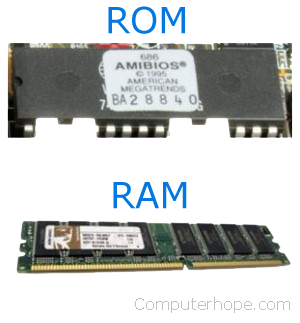


Memory is the part of a computer that stores data, instructions, and information so that the CPU can use them.
📌 Example:
When you open a game or program, the computer stores the data in memory so it can run.
Types of Memory
Primary Memory (Main Memory)
RAM
ROM
Secondary Memory (Storage Devices)
Hard Disk
SSD
CD/DVD
2. RAM (Random Access Memory)
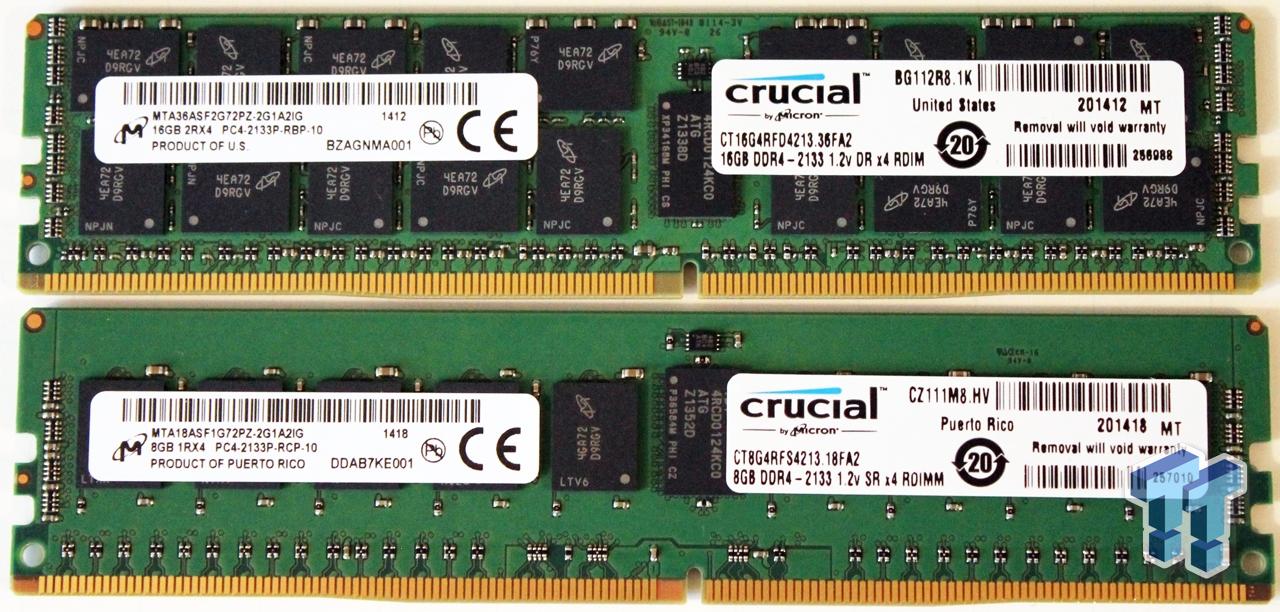
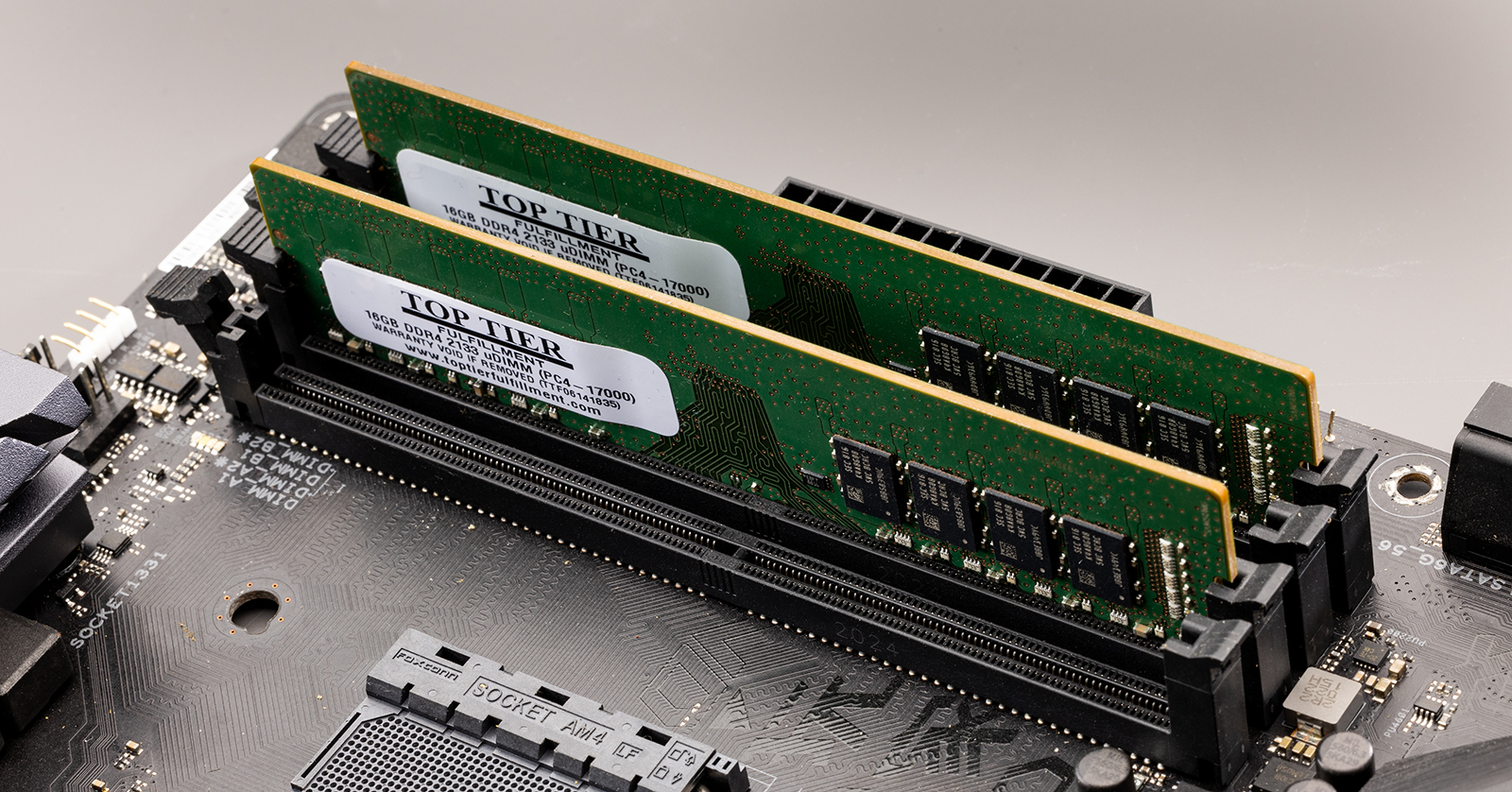


RAM is the temporary memory of the computer.
It stores data while the computer is running.
If the computer turns off, the data is lost.
Types of RAM
SRAM (Static RAM)
Faster
Expensive
Used in cache memory
DRAM (Dynamic RAM)
Slower than SRAM
Cheaper
Used in main memory
Functions of RAM
Stores data while programs are running
Helps CPU process information quickly
Runs software and applications
3. ROM (Read Only Memory)


ROM is a permanent memory in the computer.
Data stored in ROM does not disappear when power is off.
Types of ROM
PROM – Programmable ROM
EPROM – Erasable Programmable ROM
EEPROM – Electrically Erasable Programmable ROM
Functions of ROM
Stores boot program of computer
Helps the computer start (boot)
Stores important system instructions
4. Disk Drive


Disk Drive is a hardware device used to read and write data on storage disks.
Uses
Store files
Install software
Save documents, videos, and photos
5. SMPS (Switch Mode Power Supply)

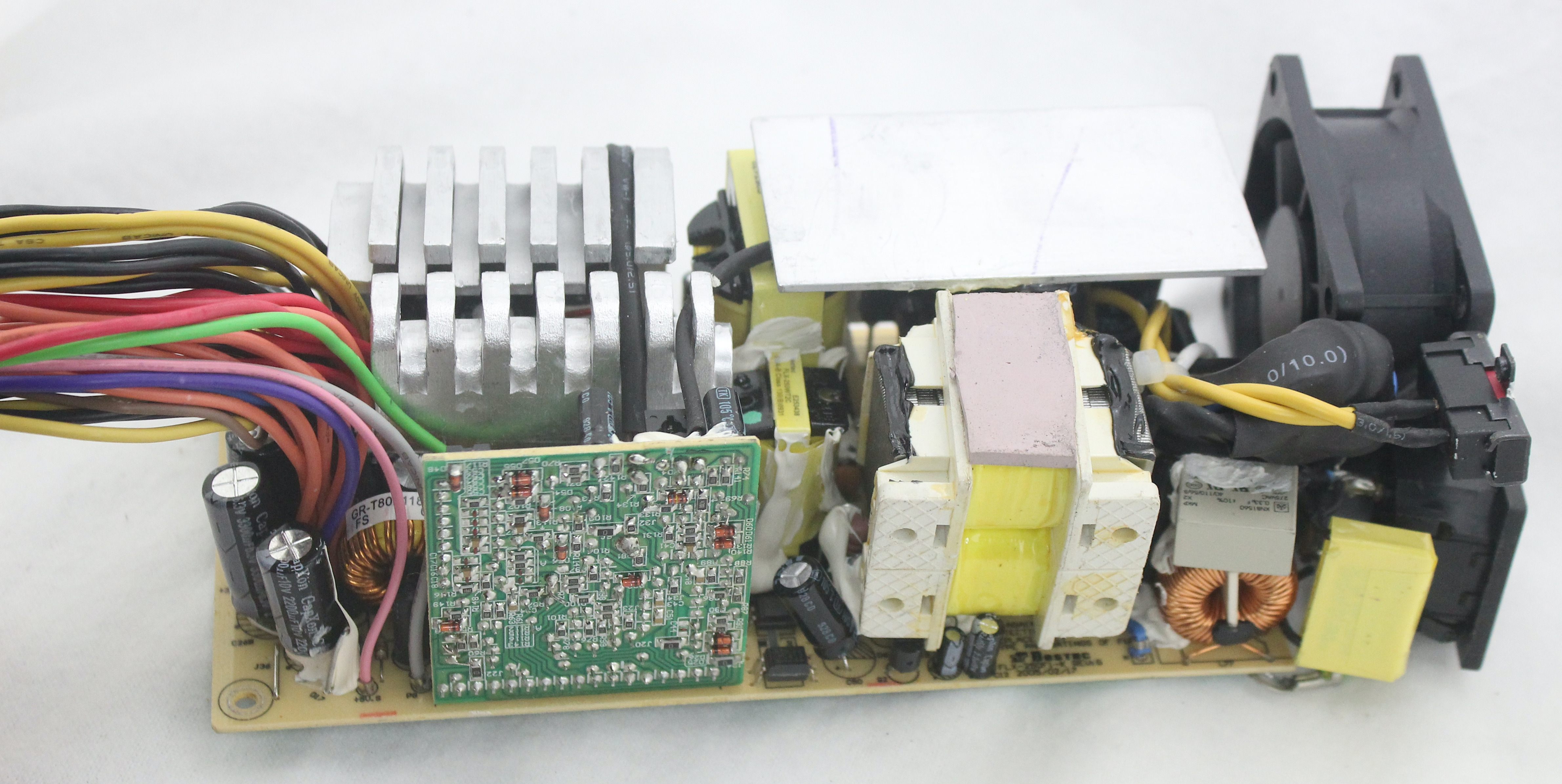
SMPS is a device that supplies power to all parts of the computer.
Uses
Converts AC power to DC power
Provides power to motherboard, CPU, hard disk, and other components
💰 Approx Price: ₹800 – ₹3000
6. Expansion Card


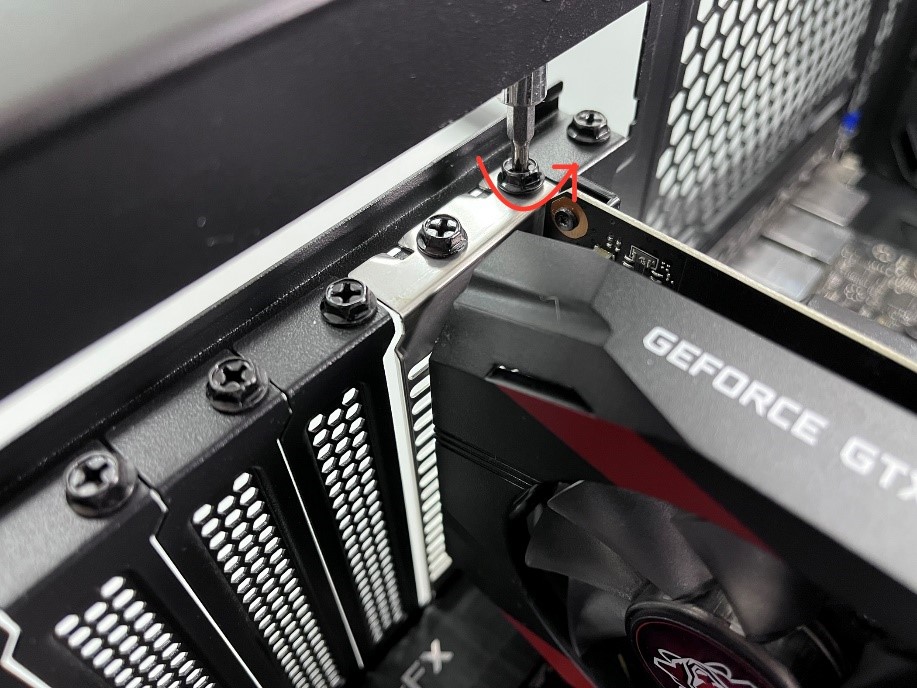
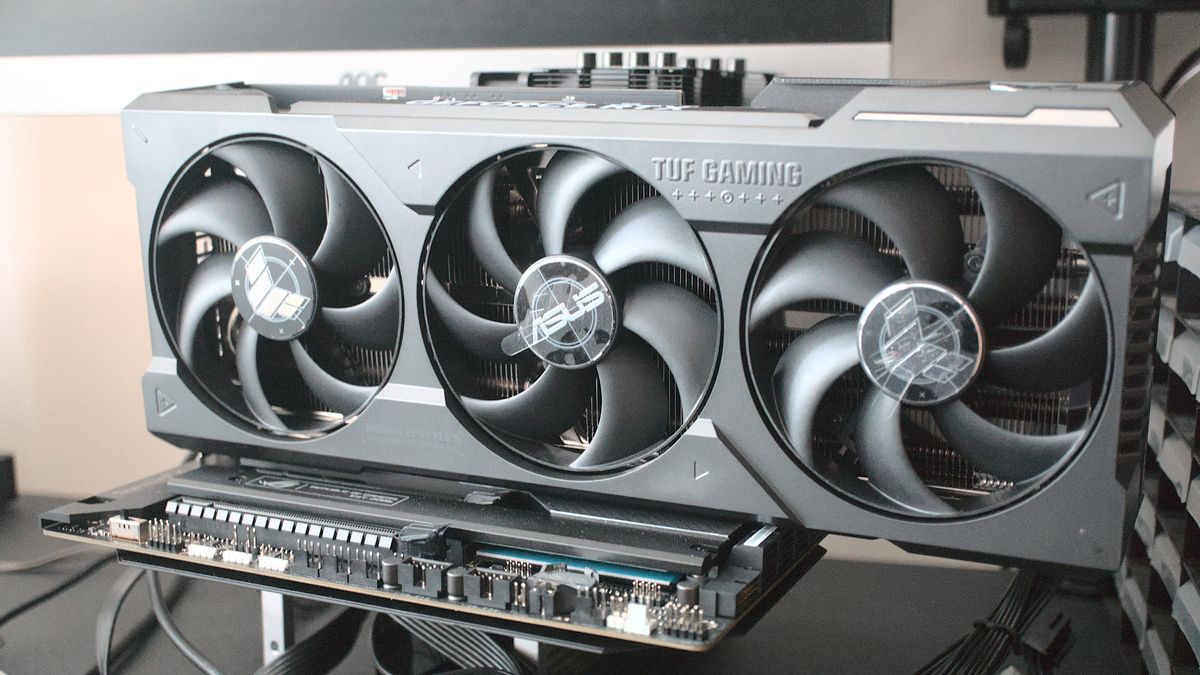
An Expansion Card is a circuit board inserted into the motherboard to add new features to a computer.
Types
Graphics Card
Sound Card
Modem
7. Graphics Card

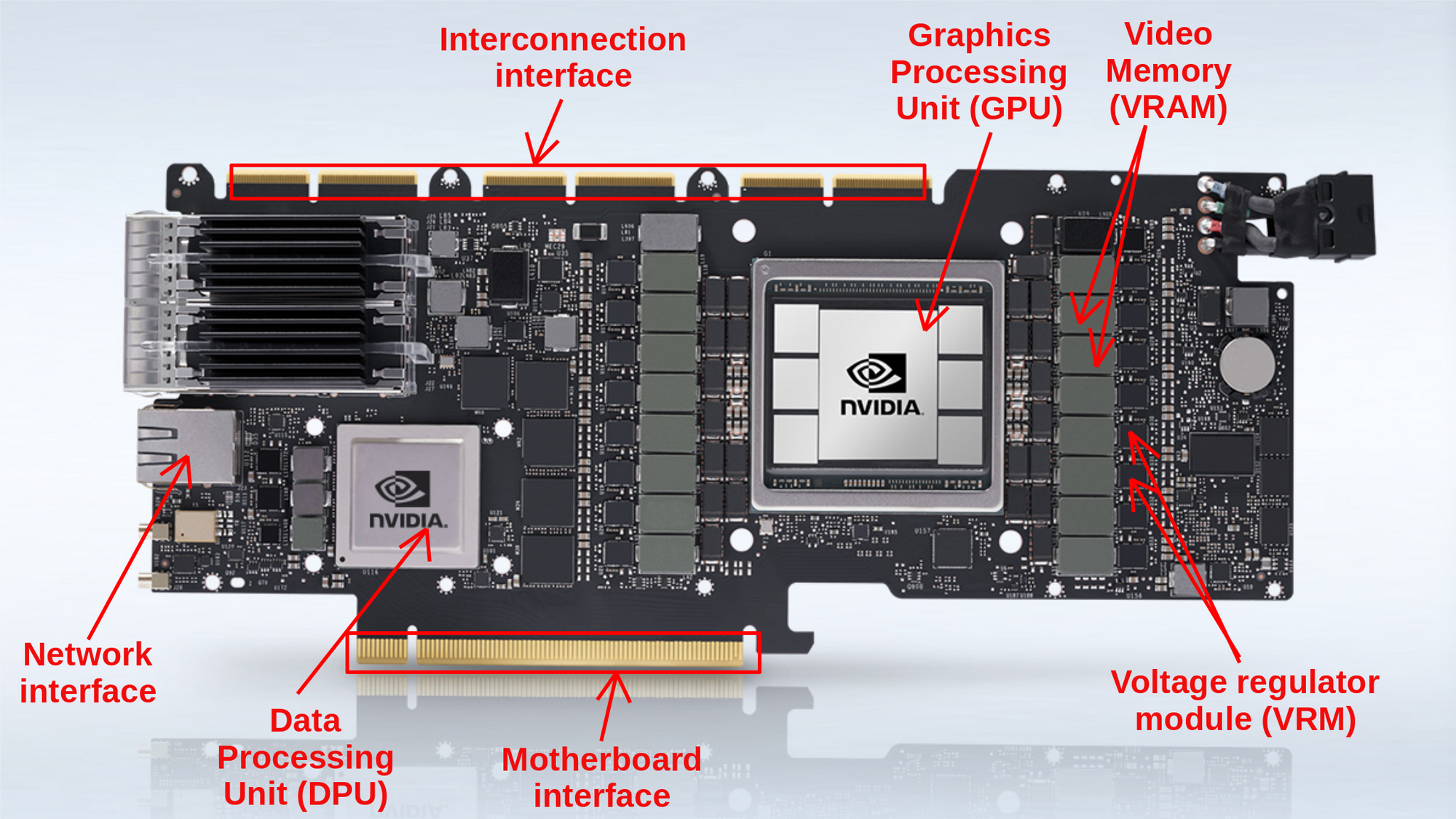

A Graphics Card is used to display images and videos on the monitor.
Parts of Graphics Card
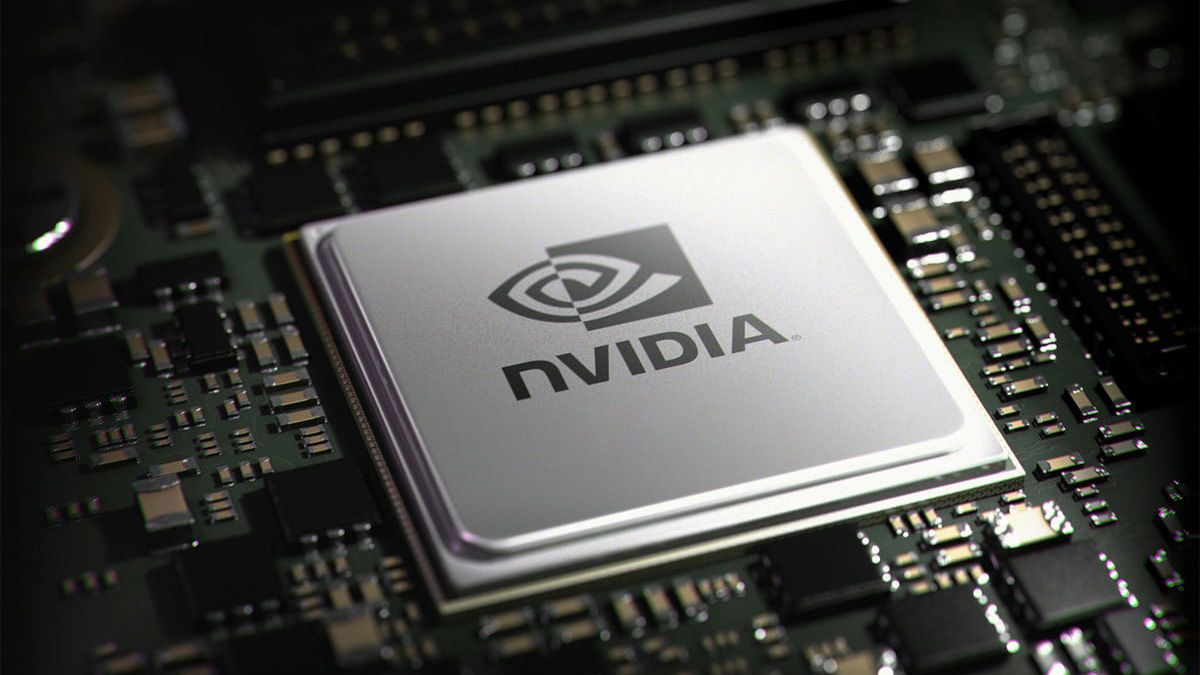
GPU (Graphics Processing Unit)
VRAM (Video Memory)
Cooling Fan
HDMI / Display Ports
8. Sound Card


A Sound Card helps the computer produce and record sound.
Function
Play music
Record audio
Connect speakers and microphone
9. Modem


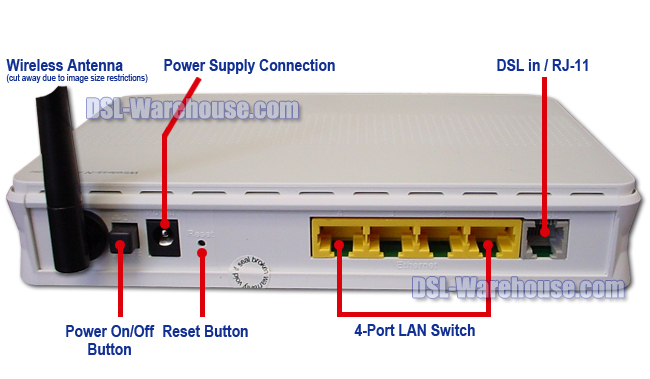
Modem stands for Modulator Demodulator.
Function
Connects computer to the internet
Converts digital signals to analog signals
Types
Internal Modem
External Modem
10. Heat Sink


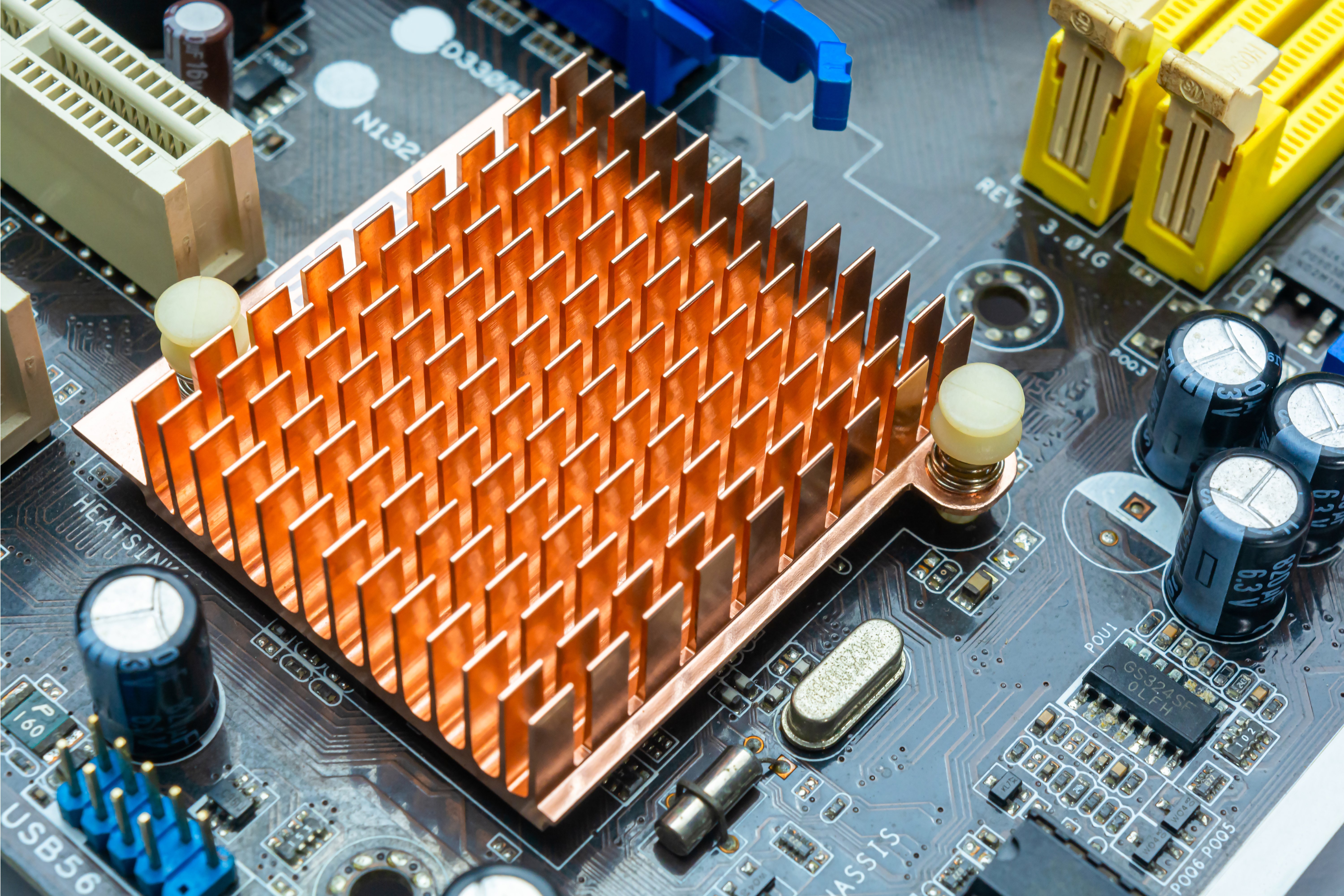
A Heat Sink is used to cool the CPU and other components.
Function
Absorbs heat from processor
Prevents computer from overheating
11. Ports
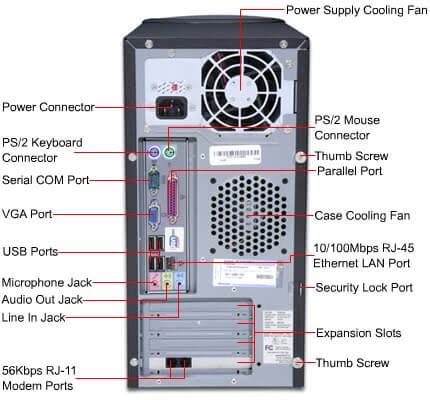
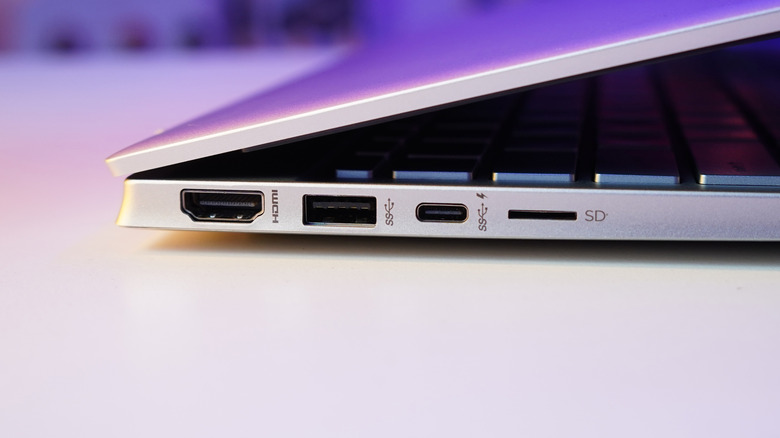
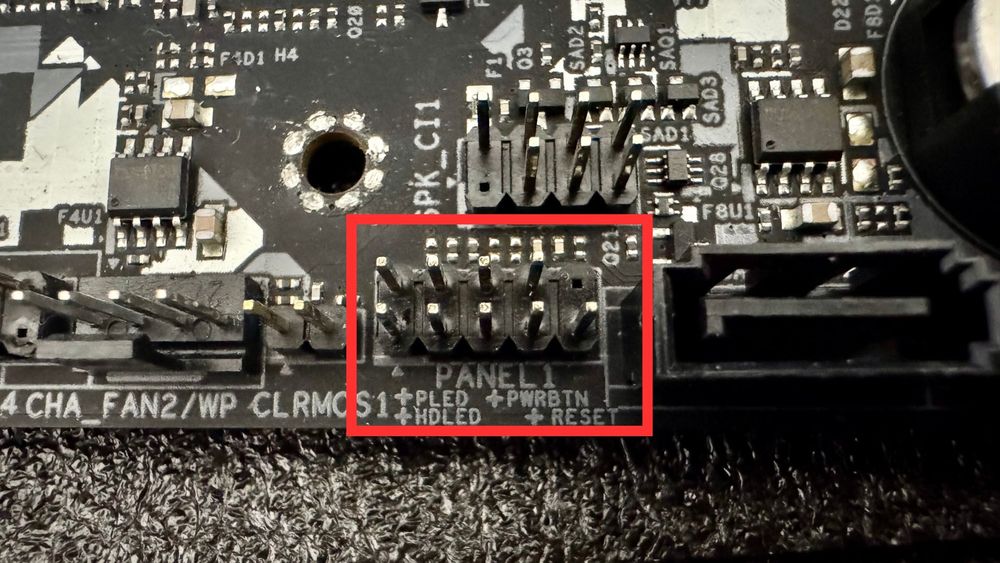
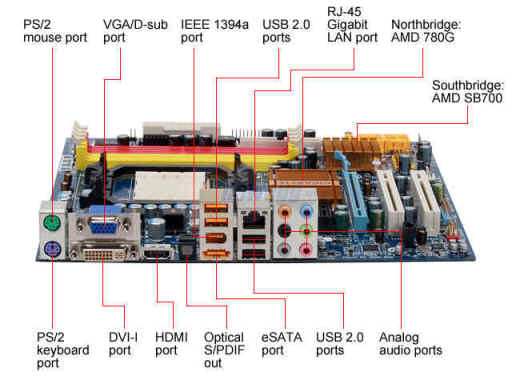
A Port is a connection point used to connect external devices to the computer.
Types of Ports and Uses
| Port | Use |
|---|---|
| USB | Connect pen drive, keyboard, mouse |
| HDMI | Connect monitor or projector |
| VGA | Connect monitor |
| Ethernet | Connect internet cable |
| Audio Port | Connect speaker or headphone |
12. External Hardware Devices (Input Devices)
Keyboard
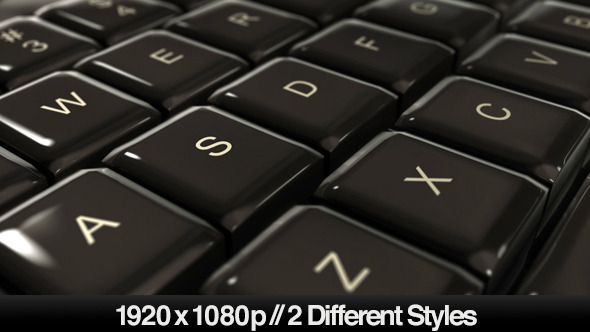



Used to type letters, numbers, and commands.
Mouse


Used to move pointer and select items on screen.
Scanner
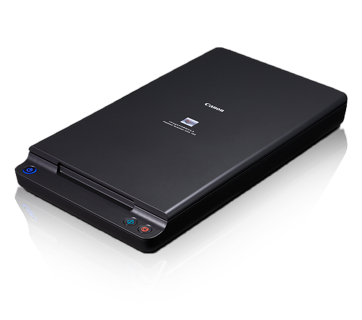

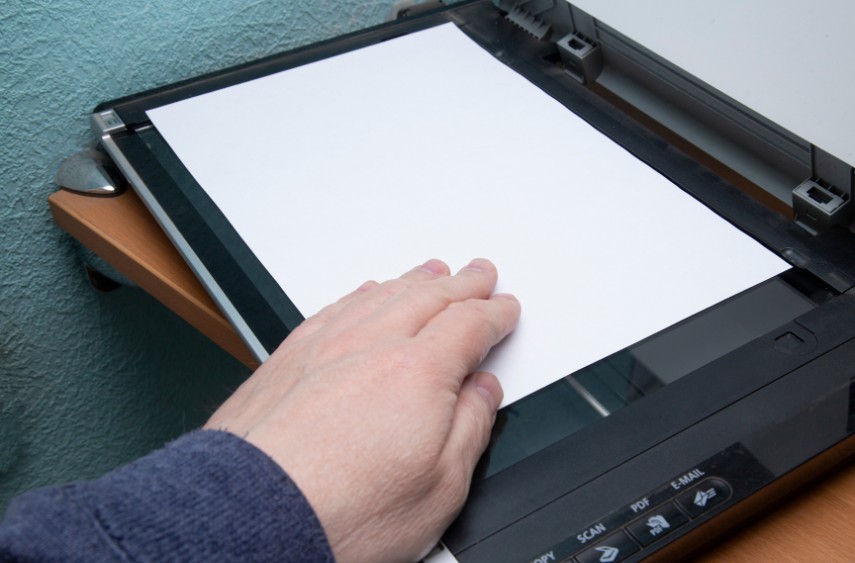
Used to convert paper documents into digital form.
Microphone
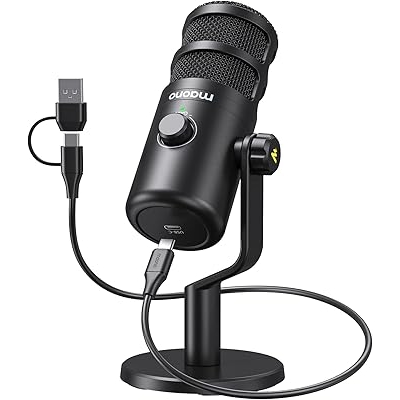



Used to record sound into the computer.
Joystick

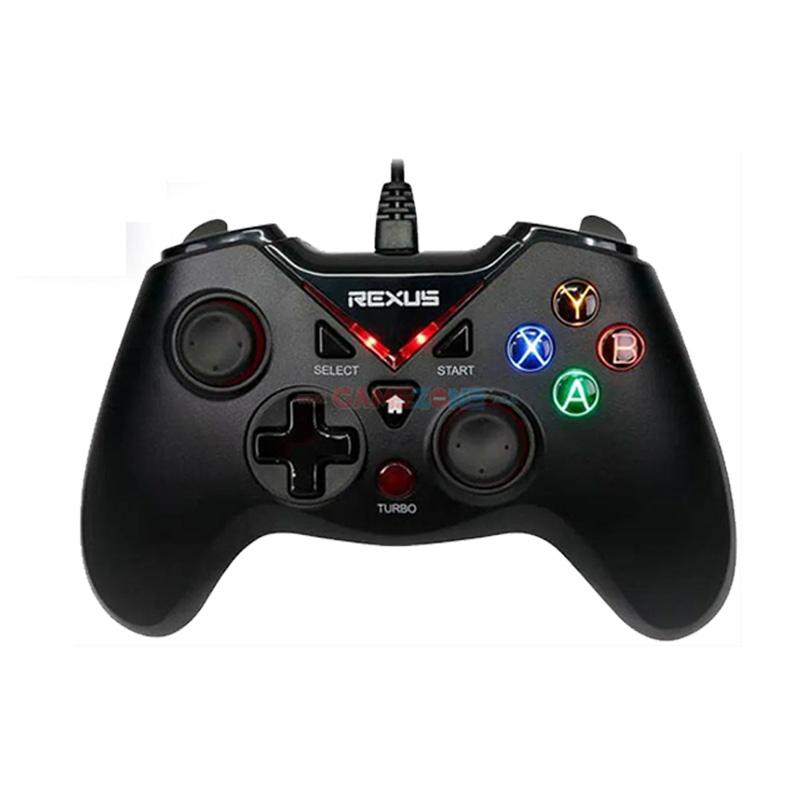


Used to play computer games.
Light Pen


Used to draw directly on the computer screen.
13. Output Devices
Monitor


A Monitor displays information from the computer.
Types
CRT Monitor
LCD Monitor
LED Monitor
Printer




A Printer prints documents on paper.
Types
Inkjet Printer
Laser Printer
Dot Matrix Printer
Speaker
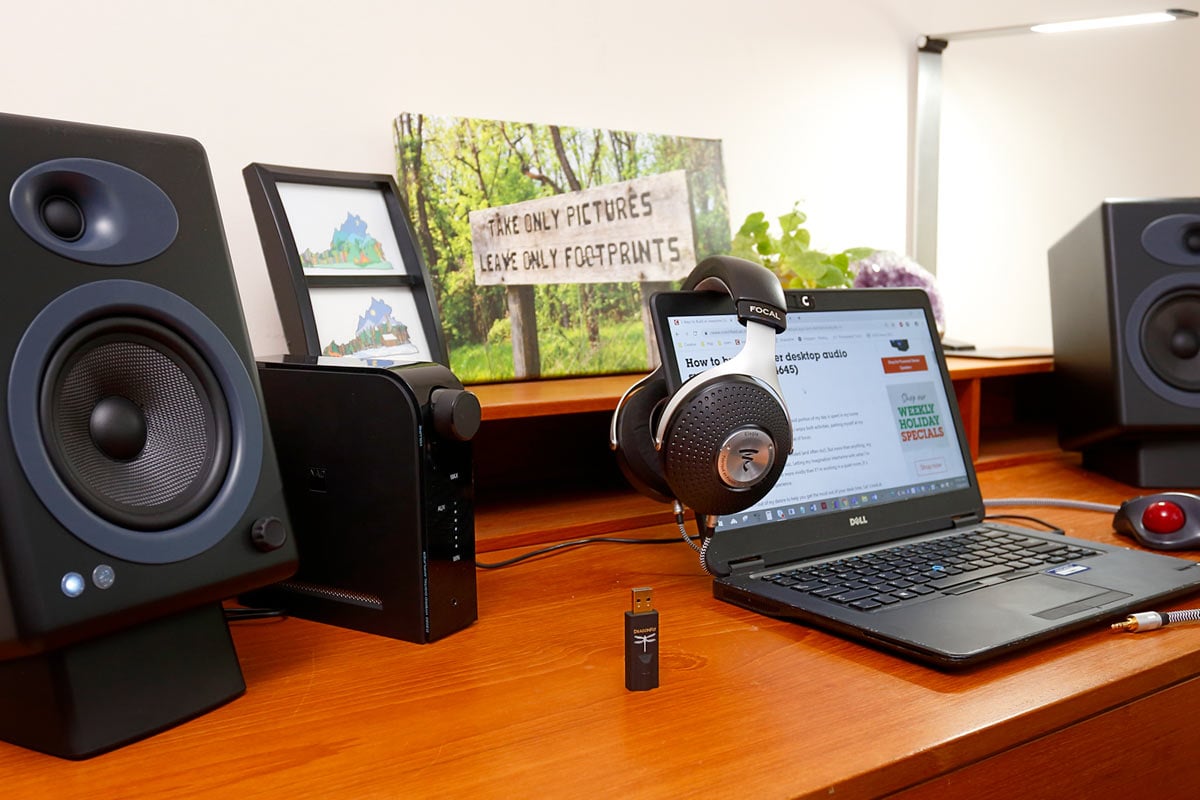


Used to listen to sound and music.
Headphones

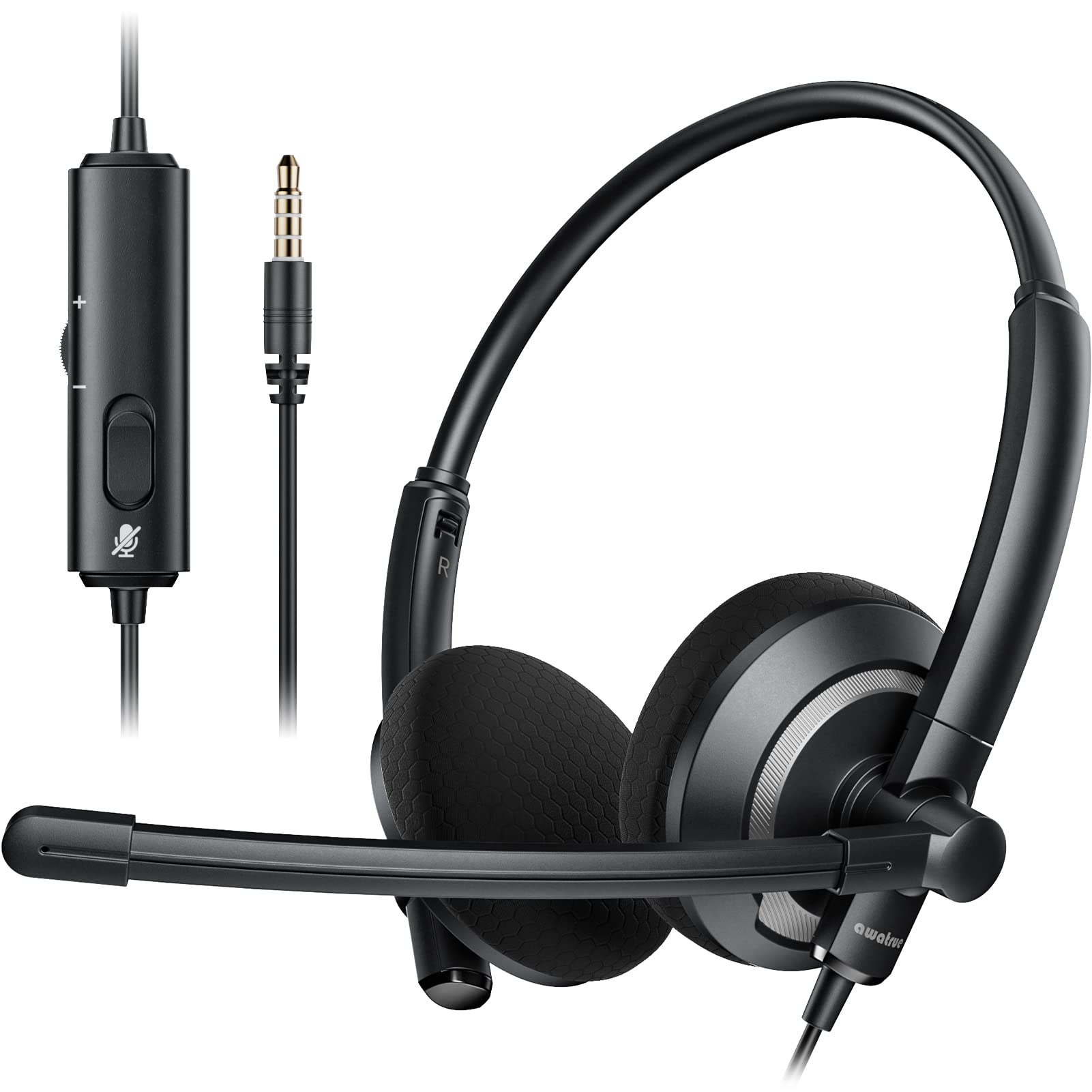

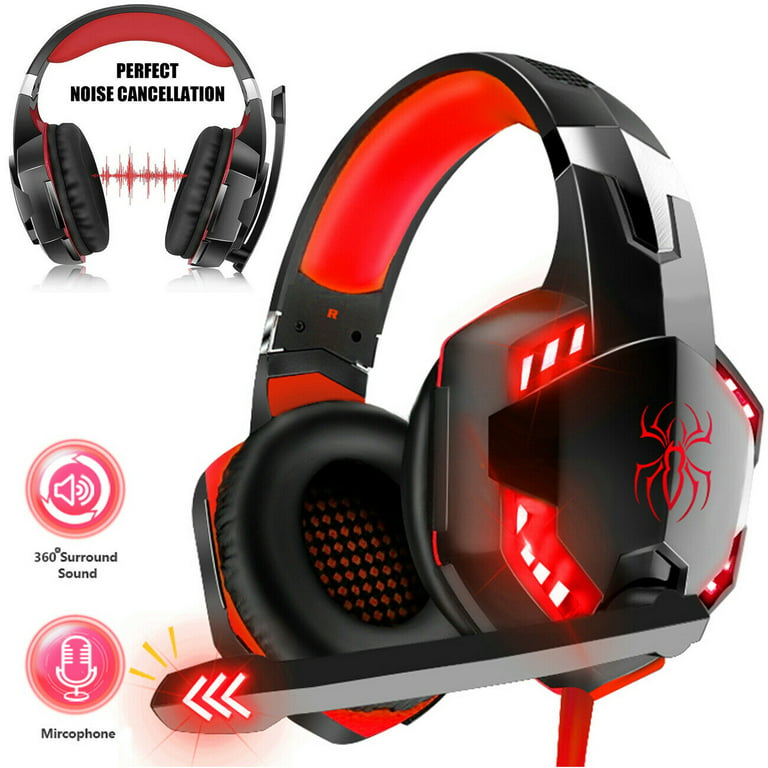
Used to listen to sound privately.
Projector


Used to display computer screen on a large wall or screen.
14. Storage Devices
Hard Disk Drive (HDD)
HDD stores large amounts of data permanently.
Use
Store operating system
Store files, photos, and videos
Solid State Drive (SSD)


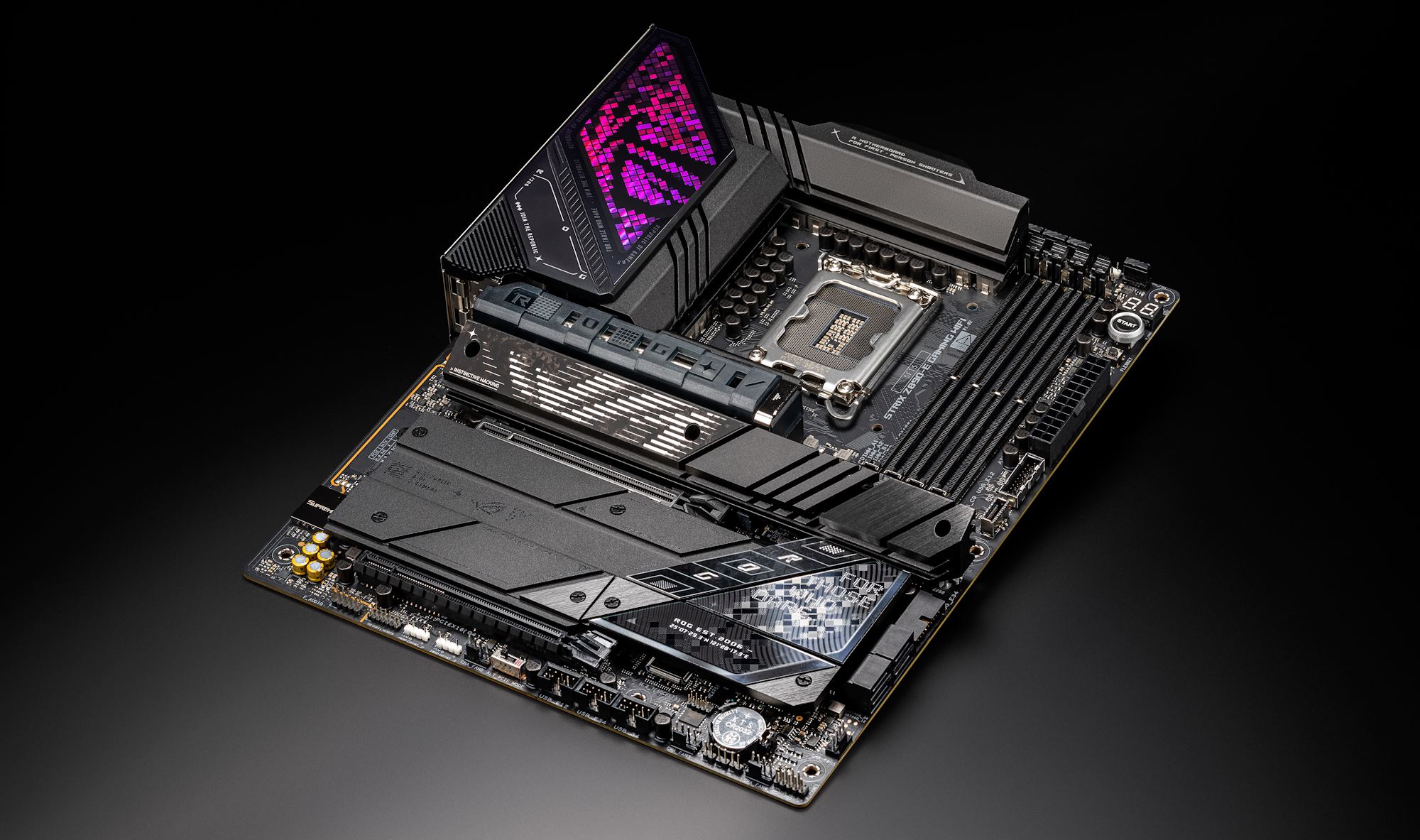
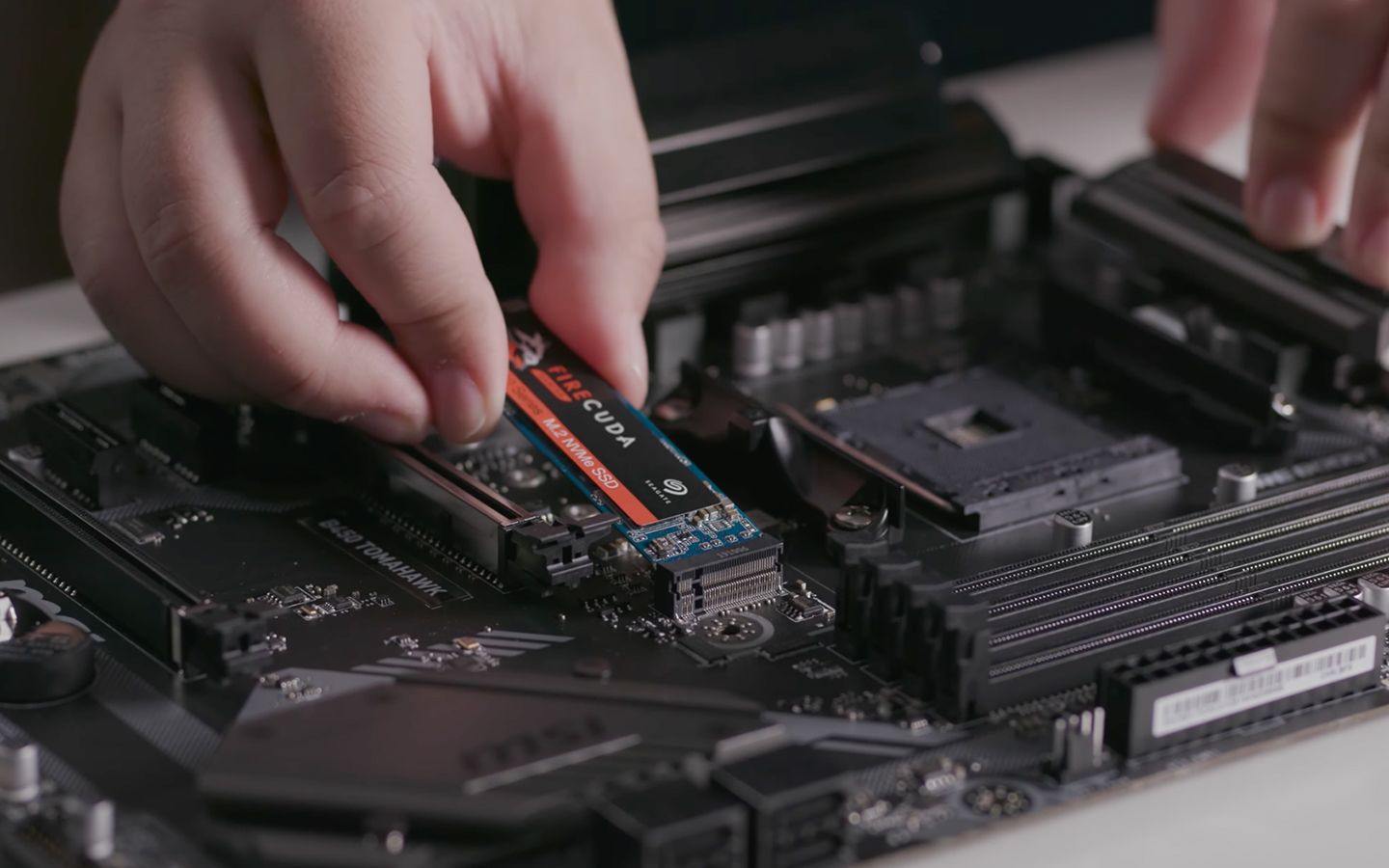
SSD is a faster storage device than HDD.
Use
Faster computer startup
Faster file access
Optical Storage (CD/DVD)
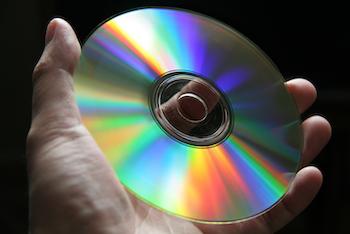


Optical storage uses laser technology to read and write data on discs.
Examples
CD (Compact Disc)
DVD (Digital Versatile Disc)
✅ If you want, I can also make this into a PDF / printable class notes with headings, diagrams, and exam questions for Class 7 (very useful for your students).
Comments
Post a Comment